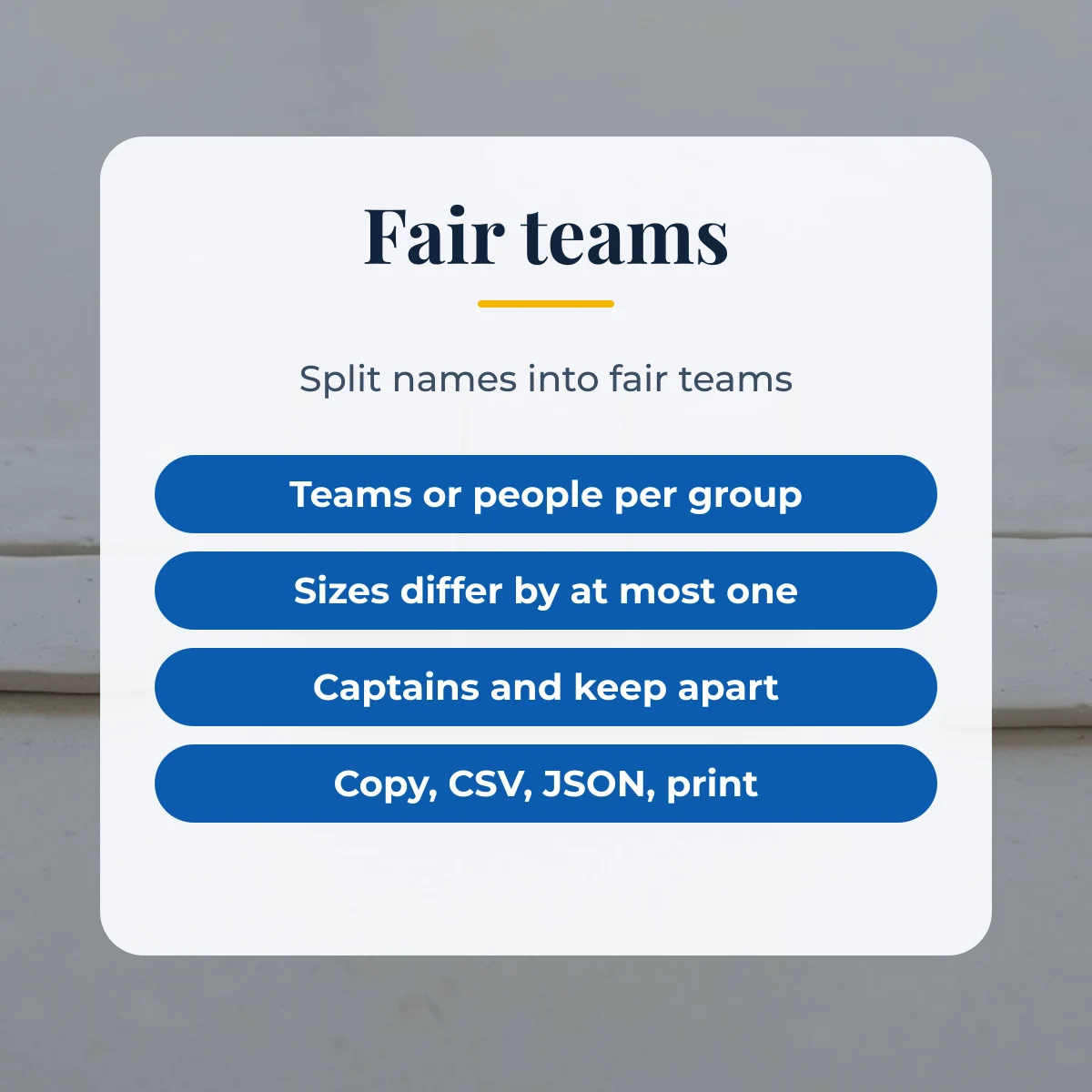
A random team generator splits a list of names into fair teams. Paste your names, choose the number of teams or the size of each group, and the tool shuffles and deals them out so sizes differ by at most one. Captains and keep-apart pairs are optional.
Last updated: 26 October 2026
Team 1
- Dana
- Fay
- Ivy
- Bea
- Eli
Team 2
- Gus
- Alex
- Hana
- Chen
- Jon
Sample teams shown. Edit the names and press Make teams.
How to use the random team generator
Type or paste the names into the box, one per line or separated by commas. Duplicates are removed. Under split by, choose number of teams to say how many teams you want, or people per group to say how big each group should be. Enter the number, tick pick a captain if each team needs a leader, and press Make teams.
Each team appears as a card with a Copy team button. Use Copy all teams to paste the result into a message, download it as CSV or JSON, or print the page for a classroom wall. Names stay in your browser and are not stored or sent anywhere, so the list disappears when you leave the page.
Random group generator: team sizes
When the number of people does not divide evenly, some teams get one more person than others. The tool never lets the difference grow beyond one. The table shows what happens for some common class and party sizes, so you can see the result before you press the button.
| People | Teams | Resulting sizes |
|---|---|---|
| 10 | 2 | 2 teams of 5 |
| 10 | 3 | 1 team of 4 and 2 of 3 |
| 12 | 4 | 4 teams of 3 |
| 15 | 4 | 3 teams of 4 and 1 of 3 |
| 20 | 6 | 2 teams of 4 and 4 of 3 |
| 25 | 5 | 5 teams of 5 |
How the names are shuffled fairly
The list is shuffled with the Fisher-Yates method, which walks through the list from the end and swaps each name with a randomly chosen earlier one. Done correctly, every possible order is equally likely. The random numbers come from your browser’s secure random generator rather than a simple formula. After shuffling, names are dealt out one at a time like cards, which keeps the teams balanced.
Split names into groups with keep-apart pairs
Sometimes two people should not share a team, for example two friends who always work together, or two players of equal strength. Enter them as pairs, such as Alex + Bea, separated by semicolons. The tool reshuffles up to 300 times to find an arrangement where no pair shares a team, and tells you if it could not. Captains are the first name on each team, which is a random choice because the list is shuffled.
Ideas for using a team picker
Teachers use team pickers for project groups, reading circles and lab partners. Coaches and organisers use them for friendly matches, quiz nights and workshops. Rerun it for each activity so that people mix, and use the keep-apart option to separate pairs who need a change of company. For a quiz night, give each team a place to represent from the random country generator. More free utilities are on the SoShareIT Tools home page. For a themed team night, the random animal generator can give each team an animal to represent.
Random team generator FAQ
How are the teams made?
The tool shuffles your list with the Fisher-Yates method, using your browser's secure random generator, and then deals the names out to the teams one at a time. Because names are dealt in turn, team sizes never differ by more than one person.
Can I split by group size instead of number of teams?
Yes. Choose people per group and enter a size, such as 4. The tool works out how many groups are needed and spreads the people evenly, so with 10 people and a size of 4 you get three groups of 4, 3 and 3.
How does keep apart work?
Enter pairs such as Alex + Bea, one pair per line or separated by semicolons. The tool reshuffles until no pair shares a team. If it cannot find an arrangement, it says so and shows the closest result.
Is my list saved or sent anywhere?
No. Names stay in your browser and are not stored or uploaded, so the list is gone when you reload or leave the page. Copy or download the teams if you want to keep them.