A random email address generator creates sample email addresses for testing sign-up forms, mail templates and databases. These default to domains that are reserved for examples, such as example.com and the .test top-level domain, so a message sent to one never reaches a real inbox. Pick a pattern, a domain and a quantity.
Last updated: 26 October 2026
[email protected][email protected][email protected][email protected][email protected][email protected][email protected][email protected][email protected][email protected][email protected][email protected]
Showing addresses on example.com, a domain reserved for examples by RFC 2606. Mail sent to these addresses has no real inbox to reach.
How to use the random email generator
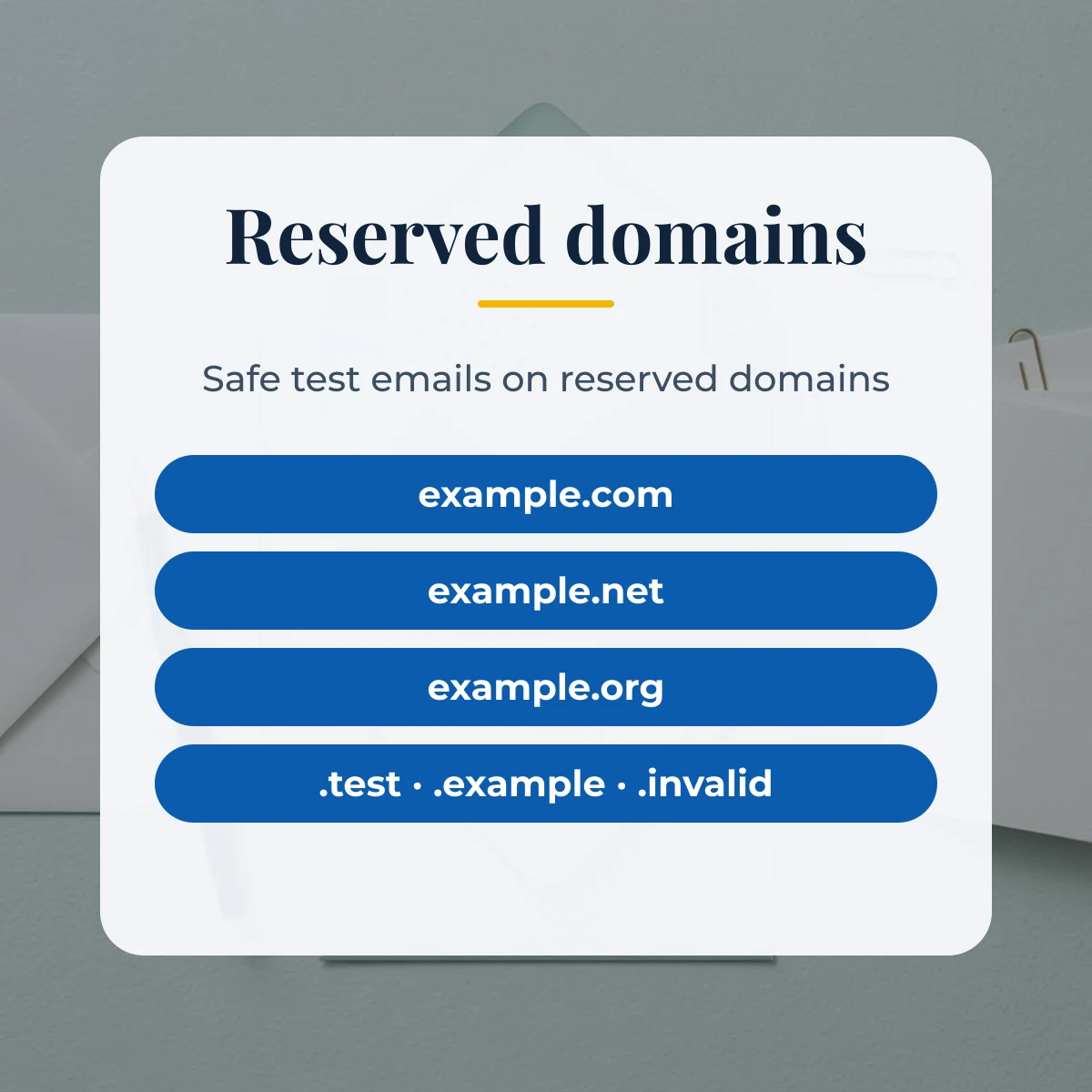
Choose a domain. The three example domains and the .test, .example and .invalid options are all reserved, and the mixed option picks among them. Then choose a name pattern: first.last, flast, first_last42, f.last7 or a random handle with no personal name in it. How many accepts 1 to 500, Add +test tag inserts a plus tag before the at sign to test sub-addressing, and No duplicates keeps every address in a batch unique.
Press Generate, then copy one address, copy the whole list, or download CSV or JSON. The download keeps the generated name next to the address, which saves you from building a separate name column. The addresses are produced in your browser from a built-in list of common first and last names, and nothing is sent to a server.

Reserved domains that are safe for test emails
The risk with a fake email address is not the address itself but the domain after the at sign. If it is a real domain, a test run that sends a welcome email or a password reset delivers it to whoever owns that domain. RFC 2606 solves this by reserving names that can never be registered by anyone.
| Domain or TLD | Type | Meant for | Defined in |
|---|---|---|---|
| example.com | Domain | Examples and documentation | RFC 2606 |
| example.net | Domain | Examples and documentation | RFC 2606 |
| example.org | Domain | Examples and documentation | RFC 2606 |
| .test | Top-level domain | Testing software | RFC 2606 |
| .example | Top-level domain | Examples in documentation | RFC 2606 |
| .invalid | Top-level domain | Names that are clearly not valid | RFC 2606 |
| .localhost | Top-level domain | Loopback to the local machine | RFC 2606 |
Email name patterns and what they test
Real address books contain many shapes of local part, and a form that only ever sees [email protected] will not reveal its bugs. The patterns below cover the common ones. Dots, underscores, digits and plus signs are all valid in the local part, and each one is a typical place for a validator to be too strict or too loose.
| Pattern | Example | Good for testing |
|---|---|---|
| first.last | [email protected] | The most common business format |
| flast | [email protected] | Short usernames without a separator |
| first_last42 | [email protected] | Underscores and digits in the local part |
| f.last7 | [email protected] | Dots plus numbers to avoid duplicates |
| Random handle | [email protected] | Addresses with no personal name |
| Plus tag | [email protected] | Sub-addressing with a plus sign |
Using fake email addresses responsibly
Test addresses are for test environments. Load them into a staging database, a unit test or a mock-up, and keep real customer data out of those places. They are not a way to get around a sign-up requirement: addresses on reserved domains cannot receive confirmation mail, and registering with an address you do not control is against the terms of most services. If your test records also need ZIP codes, is zip code based on city? answers how ZIP codes relate to places before you generate matching address data, and the ZIP code format guide explains the patterns to validate.
Random email address generator FAQ
Will an email sent to these addresses reach a real person?
Not with the default domains. example.com, example.net and example.org are reserved by RFC 2606 for documentation, and the .test, .example and .invalid top-level domains are reserved so they can never be registered. A message sent there has no real inbox to land in.
Why not use a made-up domain like mycompany.com?
A made-up domain may belong to someone, and a test run that sends mail to it delivers real messages to a stranger. Reserved domains remove that risk, which is why they are the default here.
Can I use these addresses to register on a website?
No. They cannot receive mail, so a confirmation link would never arrive, and signing up with an address you do not control is against the terms of most services. Use them for tests, fixtures and screenshots.
What do the name patterns look like?
First dot last gives anna.smith, first initial plus last gives asmith, first underscore last plus a number gives anna_smith42, initial plus number gives a.smith7 style handles, and random handle gives a short mix of letters and digits. Plus tag adds +test before the at sign for testing sub-addressing.