This page explains how to use SoShareIT Tools: choose a generator, set options such as the count or the state, press Generate, then copy one result or the whole list. A tool shows an error? Report it on the contact page.
Choose a generator
There are two kinds of tool: test-data generators and random pickers. Each tool has its own page, and the list of all generators is on the home page.
| Kind | Tools | Typical use |
|---|---|---|
| Test data | ZIP code, postal code, address, email, IP address, name | Filling forms, databases and mock-ups with format-correct sample values |
| Random pickers | Word, username, movie, animal, color, Pokémon, trivia, number, letter, team, yes or no | Games, classroom activities and small decisions |
Set options and copy
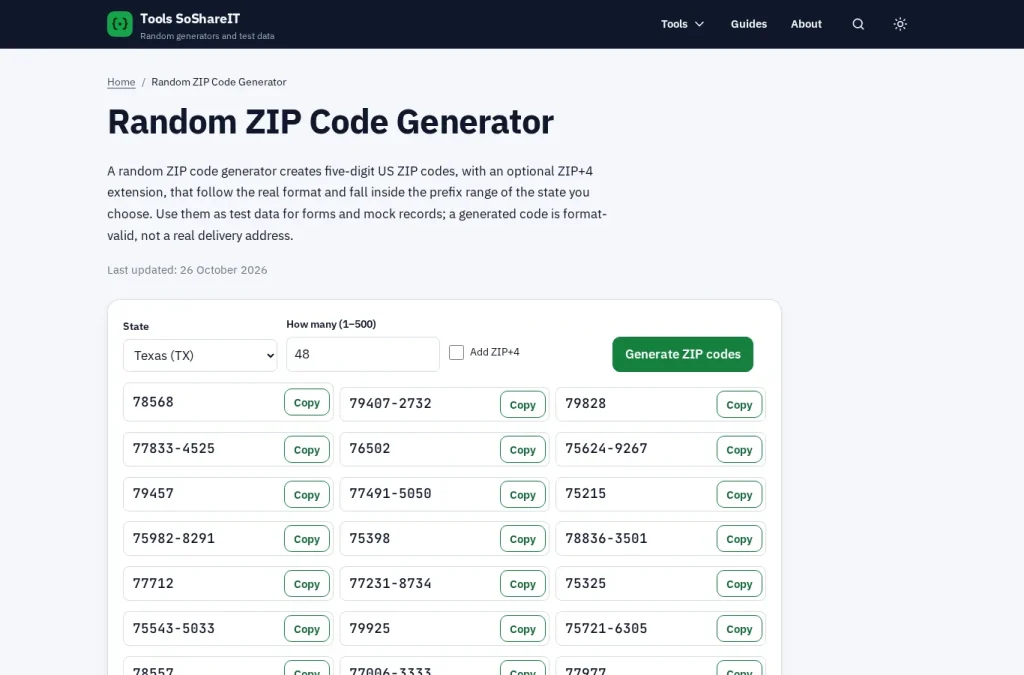
Every tool follows the same steps: set the options, press the generate button, then use Copy beside a single result or copy the full list. The table shows common options and what each one changes. The ZIP code generator is a good first tool to try.
| Option | Example | Effect |
|---|---|---|
| State | Texas | ZIP codes and addresses come from the chosen state |
| How many | 10 | Produces ten results; the allowed range is shown beside the field |
| Add ZIP+4 | Checked | Adds the four-digit extension to each ZIP code |
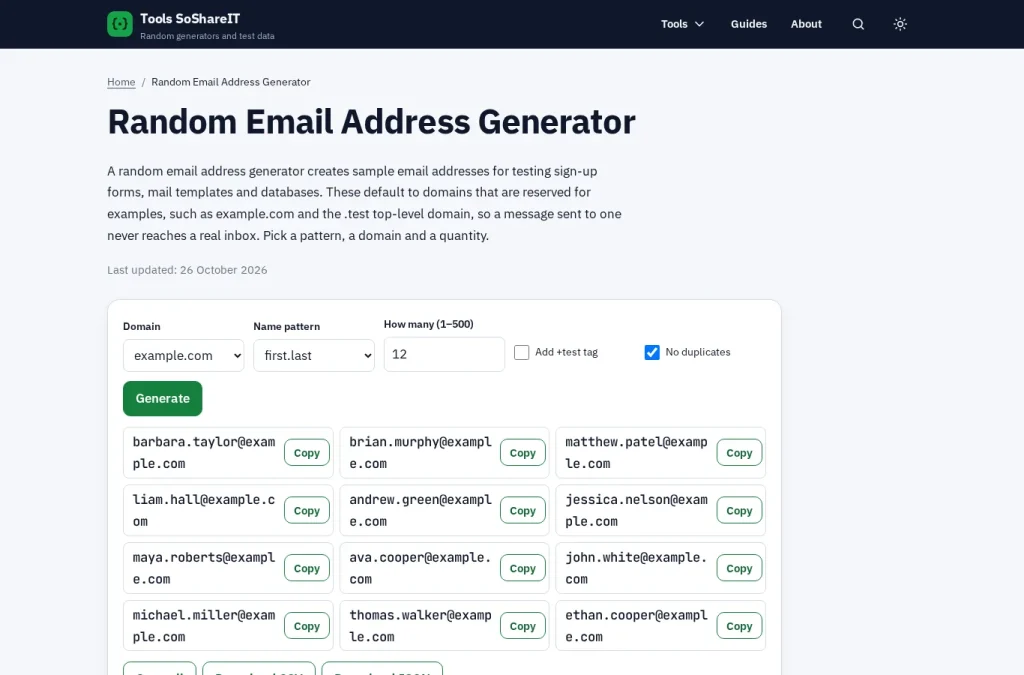
| Domain | example.com | Email addresses use a reserved domain that cannot receive mail |
| Range | Documentation | IP addresses come from a block reserved for examples |
| No duplicates | Checked | Every result in a list is different |
On tools that offer it, Download CSV or Download JSON saves the list as a file for spreadsheets and test fixtures.
Use test data safely
Generated values belong to no one, so do not use them to sign up for real services or to pass a verification check. The tools run in your browser and store nothing you enter.
- Use reserved domains and example IP ranges so test traffic and email never reach a real person.
- A ZIP code or postal code can match the right format without being assigned to a place.
- For a real, deliverable address, use the lookup tool of the postal operator.