A random IP address generator produces IPv4 or IPv6 addresses on demand. This one draws from documentation ranges reserved for examples (RFC 5737 and RFC 3849) or from private ranges (RFC 1918), so the output is safe to paste into test data, configuration samples and tutorials without pointing at a real machine.
Last updated: 26 October 2026
198.51.100.201203.0.113.190198.51.100.139198.51.100.79198.51.100.124192.0.2.228192.0.2.127192.0.2.132198.51.100.33198.51.100.15203.0.113.43198.51.100.78
Showing IPv4 addresses from the documentation ranges of RFC 5737. They are reserved for examples and not assigned to any real host.
How to use the random IP address generator
Pick an IP version first. IPv4 addresses are four numbers from 0 to 255 separated by dots, the form most firewall rules, logs and form fields expect. IPv6 addresses are eight groups of hexadecimal digits separated by colons and are what newer systems and cloud networks use.
Then choose a range. The default, documentation, only produces addresses that standards bodies set aside for examples, which makes it the right pick for sample data you might publish or commit to a repository. The private options give you addresses from 10.0.0.0/8, 172.16.0.0/12 or 192.168.0.0/16 for IPv4, or from the unique local block for IPv6. Use them when a test needs addresses that look like a real internal network.
The output menu controls the shape of each line. Address only gives a plain address. Host route adds /32 for IPv4 or /128 for IPv6, the notation used for a single machine in routing tables and allow-lists. Network block rounds each address to the block that contains it, such as 10.4.7.0/24, for tests that need CIDR notation. Set how many from 1 to 500, leave no duplicates ticked to avoid repeats, then copy a single line, copy the whole list, or download it as CSV or JSON. Every address is created in your browser, so nothing you generate is sent anywhere.
Reserved IP ranges used for testing
Not every address is free to use in an example. Posting a real public address in documentation can send traffic or abuse reports to whoever owns it. The table lists the blocks that are reserved on purpose, together with the document that defines each one.
| Block | Version | Purpose | Defined in |
|---|---|---|---|
| 192.0.2.0/24 | IPv4 | Documentation (TEST-NET-1) | RFC 5737 |
| 198.51.100.0/24 | IPv4 | Documentation (TEST-NET-2) | RFC 5737 |
| 203.0.113.0/24 | IPv4 | Documentation (TEST-NET-3) | RFC 5737 |
| 10.0.0.0/8 | IPv4 | Private network | RFC 1918 |
| 172.16.0.0/12 | IPv4 | Private network | RFC 1918 |
| 192.168.0.0/16 | IPv4 | Private network | RFC 1918 |
| 127.0.0.0/8 | IPv4 | Loopback (this machine) | RFC 1122 |
| 169.254.0.0/16 | IPv4 | Link-local | RFC 3927 |
| 100.64.0.0/10 | IPv4 | Shared address space (carrier-grade NAT) | RFC 6598 |
| 2001:db8::/32 | IPv6 | Documentation | RFC 3849 |
| fc00::/7 | IPv6 | Unique local addresses (private) | RFC 4193 |
| fe80::/10 | IPv6 | Link-local | RFC 4291 |
| ::1/128 | IPv6 | Loopback | RFC 4291 |
Private IP ranges explained
RFC 1918 sets aside three private IPv4 ranges: 10.0.0.0 to 10.255.255.255, 172.16.0.0 to 172.31.255.255 and 192.168.0.0 to 192.168.255.255. Routers on the public internet do not forward traffic for them, which is why home networks and company LANs reuse the same numbers without clashing. Most home routers hand out addresses from 192.168.0.0/16. Large organisations and cloud virtual networks tend to use 10.0.0.0/8 because it is the biggest block.
A private address is still a normal address on the network that uses it, so it can collide with a real device there. A documentation address is different: it is meant never to appear on a working network at all. That is why the documentation range is the default in this generator, and why it suits examples and fixtures better than a private range.
IPv4 and IPv6 test data
An IPv4 address has 32 bits and an IPv6 address has 128 bits. For tests that matters in a few concrete ways: database columns and validators sized for IPv4 reject IPv6 values, input masks may refuse the colons, and string comparison of IPv6 text is unreliable because the same address can be written in several forms, with or without leading zeros or the double-colon shortcut. Generate both versions when you test a field that claims to accept an IP address.
The IPv6 addresses here are written in their full eight-group form with leading zeros removed. If your code normalises addresses, feed it these and check that it produces one stable representation. Format-valid test data for other fields is available from the random zip code generator, which follows the same approach of reserved or format-only values that never point to a real person or machine.
Random IP address generator FAQ
Are the generated IP addresses real?
In the default mode they are not. The tool draws from blocks that standards bodies reserved for documentation and examples, so no real host sits behind them. Private ranges are real address space, but only usable inside a local network and never routed on the public internet.
Which IPv4 ranges are safe to put in test data?
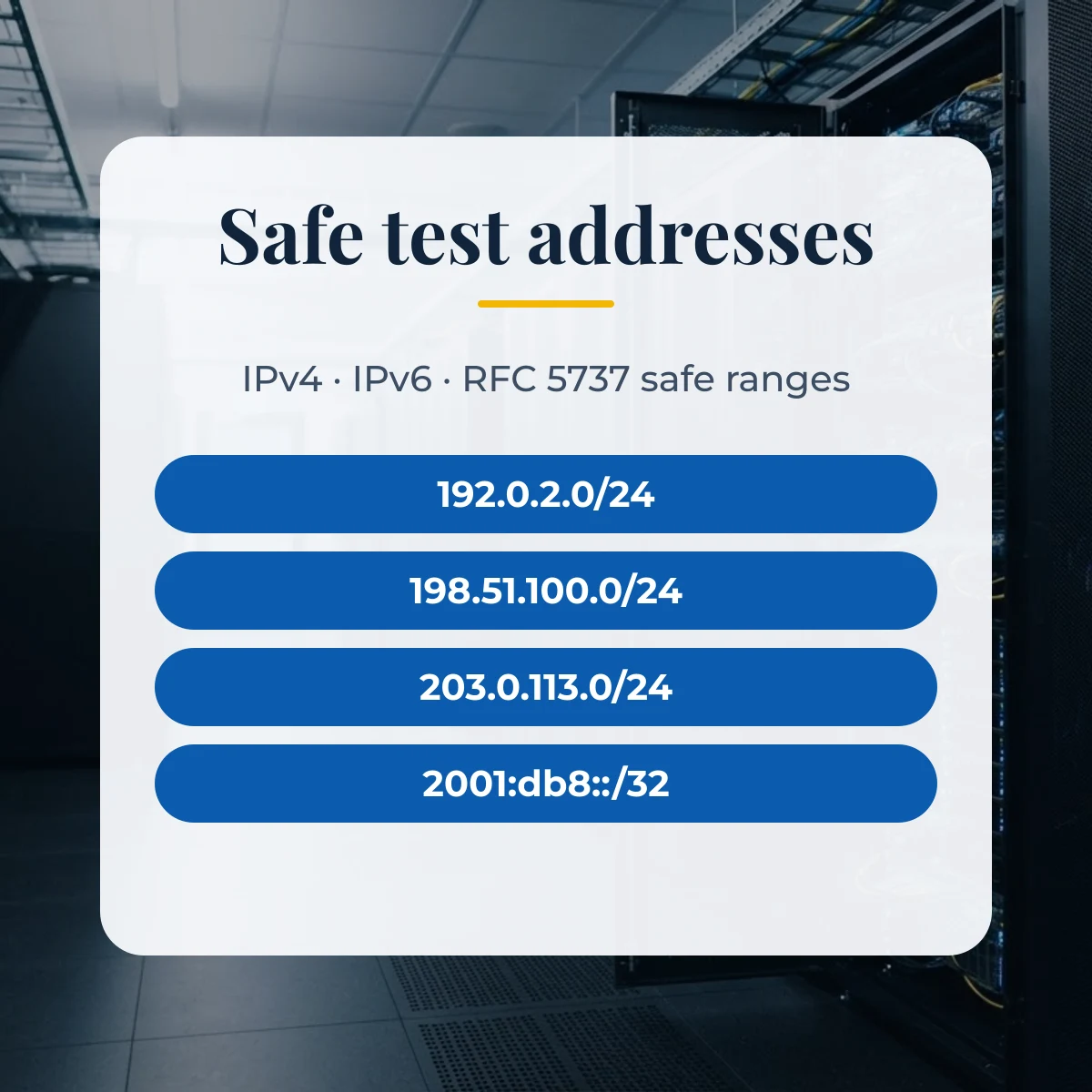
The three documentation blocks from RFC 5737: 192.0.2.0/24, 198.51.100.0/24 and 203.0.113.0/24. For IPv6 the equivalent is 2001:db8::/32 from RFC 3849. Packets sent to these addresses are not meant to reach any real device.
What is the difference between a private and a documentation address?
A private address (RFC 1918) works inside a home or company network and is often assigned to real devices there. A documentation address is reserved only for examples, so it should never appear on a working network at all.
What does the CIDR option add?
Network block output rewrites each address as the block that contains it, such as 192.0.2.0/24 for IPv4 or a /64 for IPv6. Host route output appends /32 for IPv4 or /128 for IPv6 to a single address.